
Things to consider :
- Simplifying – As an adult it is difficult to put yourself into the eyes of a child. Ultimately, the first thing to consider is the use of text or rather the minimal use of text. For kids, they will all have varying degrees of reading which means that an app needs to be more reliant on visual imagery rather than text. KS1 tends to be children aging fro 5 – 7 and while they can read at this age it is paramount to understand that they are not at the capabilities of an adult.
- Icons – It is important when using icons that they are simple as what is obvious to you or me is not necessarily obvious to 5 – 7 year old.
- Feedback – Feedback is an important function even if it is as simple as adding a noice when a child taps on an icon or button as feedback lets them know they are interacting correctly.
- Information overload – The same applies for everyone but more so children. A good sense of information is important but too much can cause overload and confusion. Kids do not understand hierarchy as we do so it is important to realise lots of info is counterproductive.
- Safety – This is a key parameter for an app that children integrate with, features such as parental gates, locked internet access and no outbound links should be featured as standard.
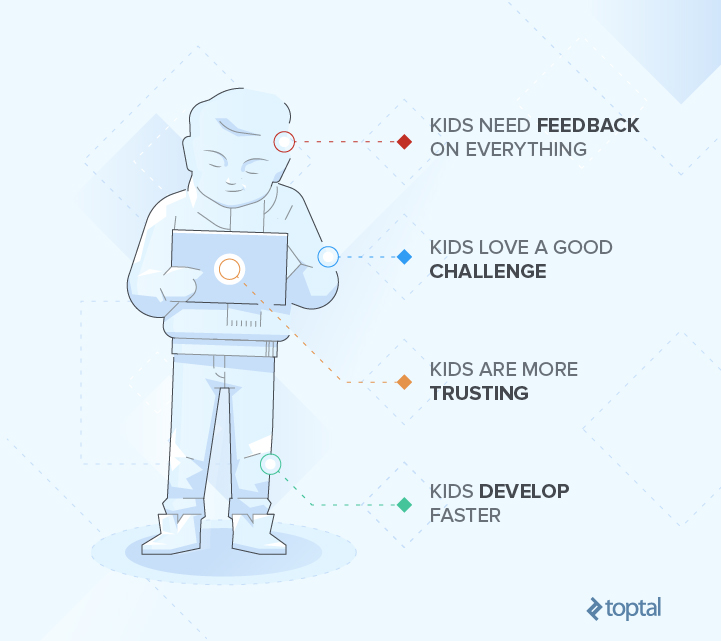
If you visit the App Store, you’ll notice that the kids’ category can be filtered by age ranges—“Ages 5 and under,” “Ages 6 to 8,” and “Ages 9 to 11” among them. This is because kids develop much faster than adults, meaning an app for a 4-year-old won’t also be a fit for a 6-year-old.
Focus on a 2-year age range, max. Just think about the differences between a 4- and 8-year-old. While one age group may dive in and learn the app as they go, another may need clear instructions to boost their confidence in using the app.
 Emerging Technologies in Graphic Design